You can now sort multiple instances of an associated form by saving to a Drafts folder.
To create a Drafts folder, you will need to save several form entries to Drafts and select the Folder icon.
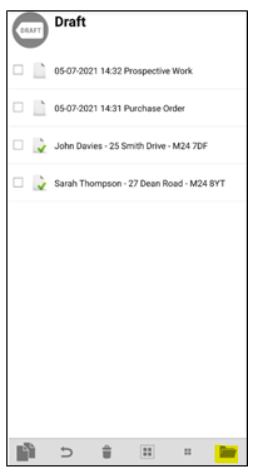
The Drafts would then be grouped by the corresponding Forms, within each would contain all Drafts associated to it
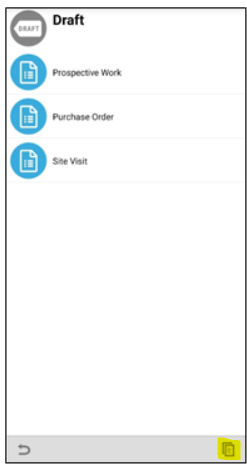
If at any time the user wishes to return to the default view, in which all Jobs show, the View All Items button will be available to switch back.