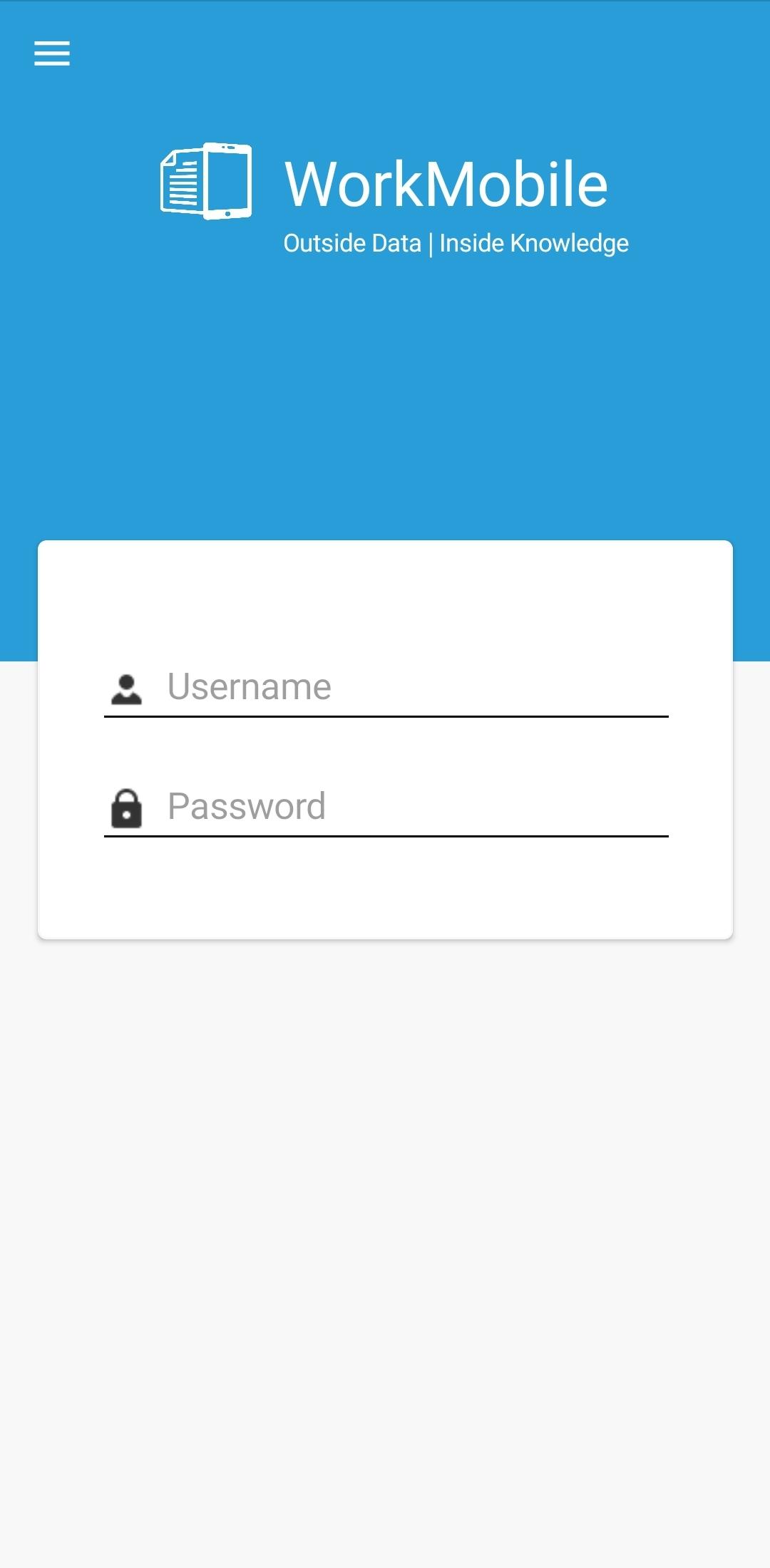
To increase security on the WorkMobile2.0 app, the Remember Me option can be disabled, thereby forcing mobile users to enter their username and password in each time they use the app.
To remove the Remember Me option from the WorkMobile2.0 app, the account holder would log in to the WorkMobile website and open the Settings page.
The option to disable Remember Me for the app will be present and ticked by default.
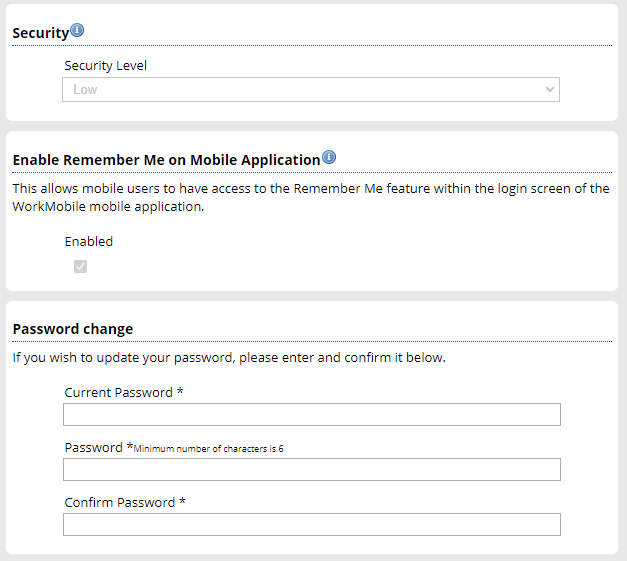
This can be then unticked, and the Settings page saved. After the mobile users successfully logs into the app, the Remember Me option will be removed from the login page.