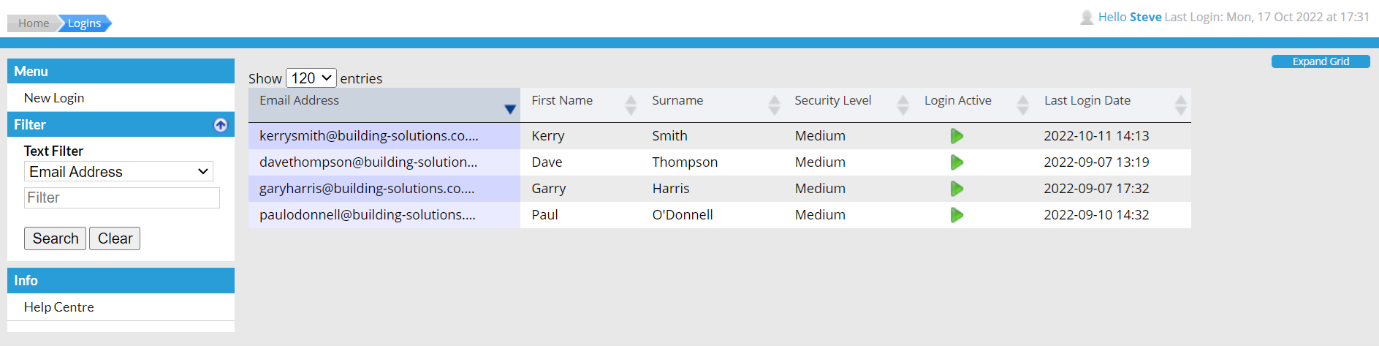
To duplicate a portal user, select an existing user from the Logins page.
Within the edit page for the existing user, the Duplicate User option is available in the left-hand menu.
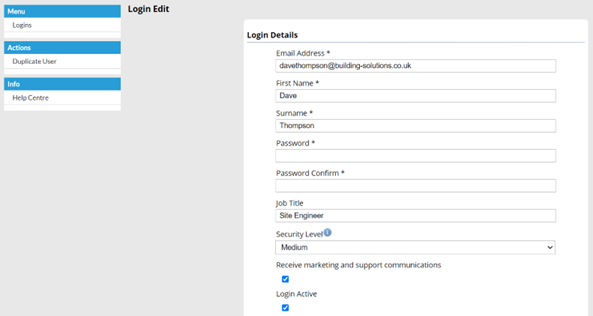
Selecting the Duplicate User option will create and open a new Portal User where the following settings have been copied over:
· Security Level
· Active Status
· Login Roles
· User Group access
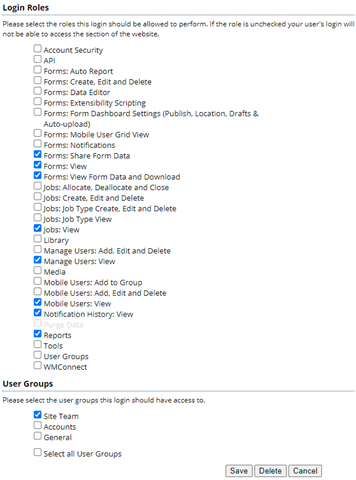
You will then need to provide the Username, Password, First name and Surname for this new Portal User, and then upon saving them they will be created and will be able login to the WorkMobile website.