The password reset feature allows your mobile users to reset or change their password. This can reduce the time it takes to reset with the current system and mean that your mobile users can get back to working as soon as possible. It can also increase the security of your data collection as your passwords can be regularly changed
Password reset requirements
In order to utilise the password reset feature, some changes may need to be made to your mobile user profiles.
Contact details
You will need to add an email address or a phone number to each mobile user account, so that WorkMobile has the ability to send through the reset links.

When your mobile user selects to reset their password, WorkMobile will send either an SMS message or an email to the user with a reset link.
Password Reset Email:
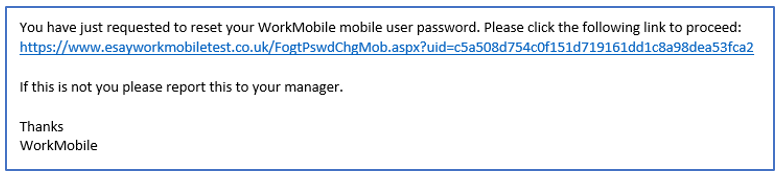
Password Reset SMS:

Clicking the associated link will then allow the user to reset their password.
See here to find out how this works from a mobile user perspective
See here to find out how this works from a mobile user perspective