Job Duration allows users to provide a 'duration' in addition to a start date and time.
Job Type
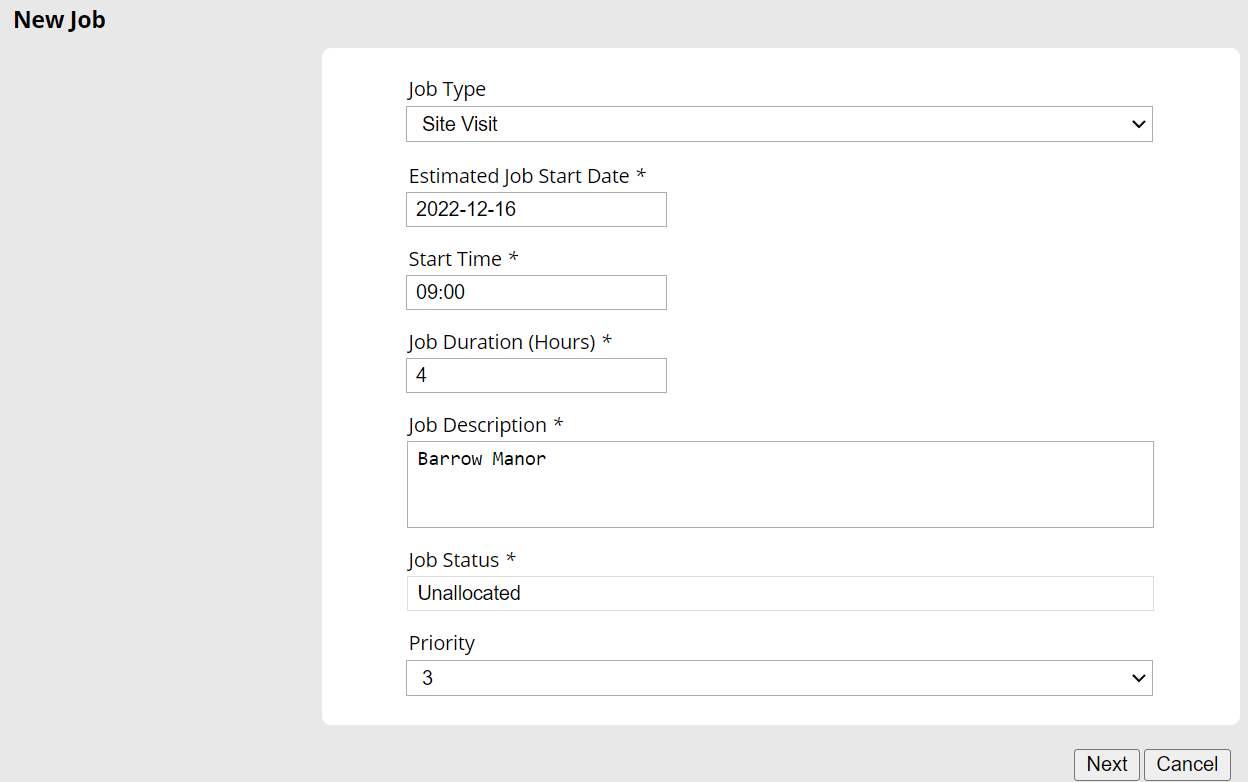
Job Duration can be enabled for Job Types using the checkbox option found within the Job Type Edit page. After ticking this option, users will be able to specify a Default Job Duration which is the value that all jobs will show as the initial Job Duration when creating a job. The Job Duration value can only be a whole number.
Job Editor
After enabling Job Duration for a Job Type, users will then see an option in the Job Editor to supply a different Job Duration value or use the default. Once enabled, this option is required for all jobs using this Job Type.
Mobile Device
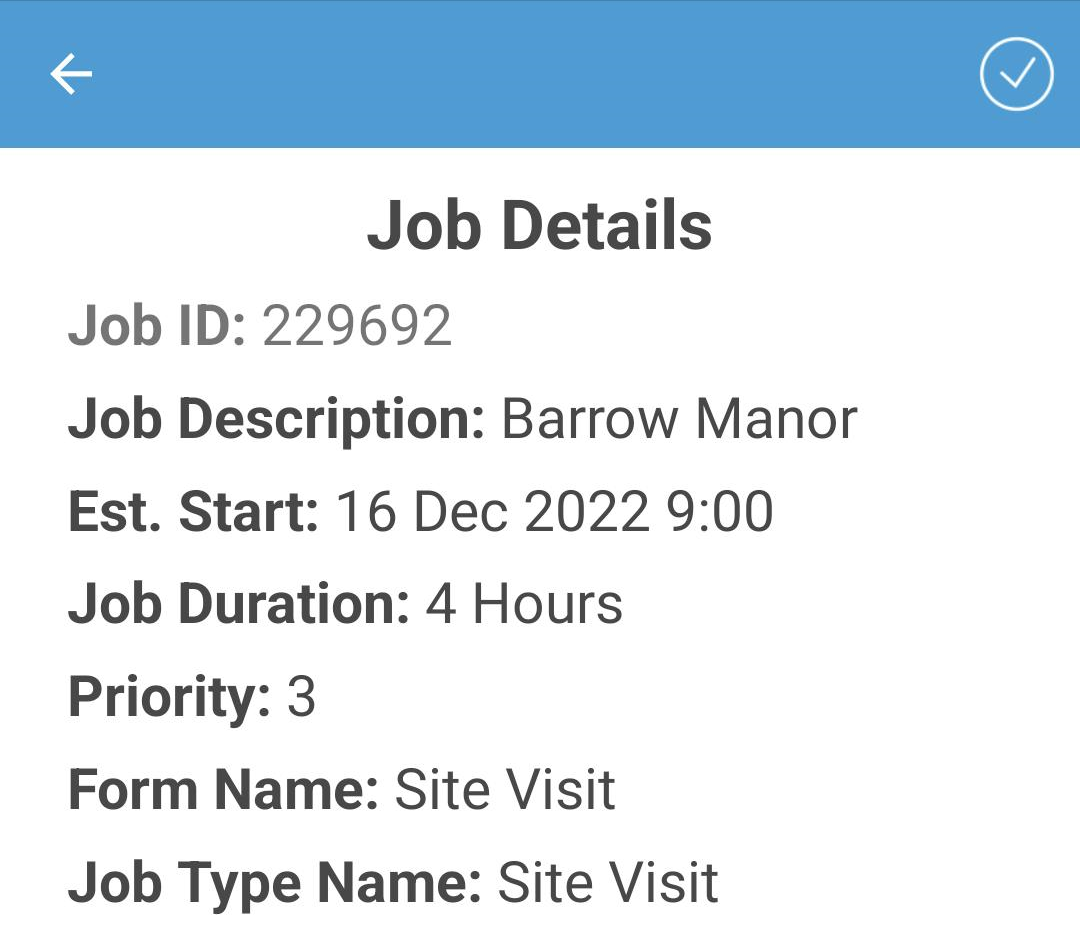
When opening a job on the mobile app which uses Job Duration, users will be able to see the specified Job Duration on the Job Summary page.
Completed Records
Job Duration values are also included within the downloaded data which is taken from Completed Records.