When you are building a form on your WorkMobile account, you can now use the Expand / Collapse feature on page breaks to minimise sections of your form to make working on larger forms even easier.
Upon adding a page break control to your form, you will see the Collapse / Expand button that is now available.
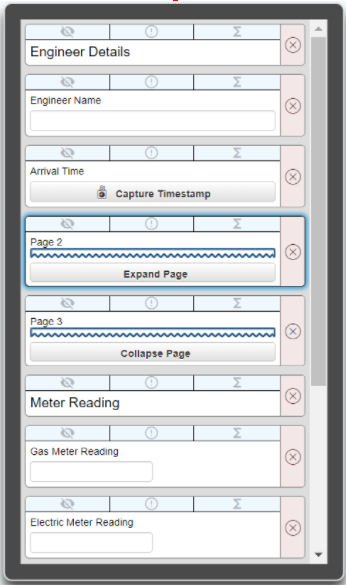
By choosing to collapse, all of the fields on that page will then be minimised, making it even easier to find the page or control on your form that you need.
Then by choosing to expand, the page will re-open, and everything will be visible again.